
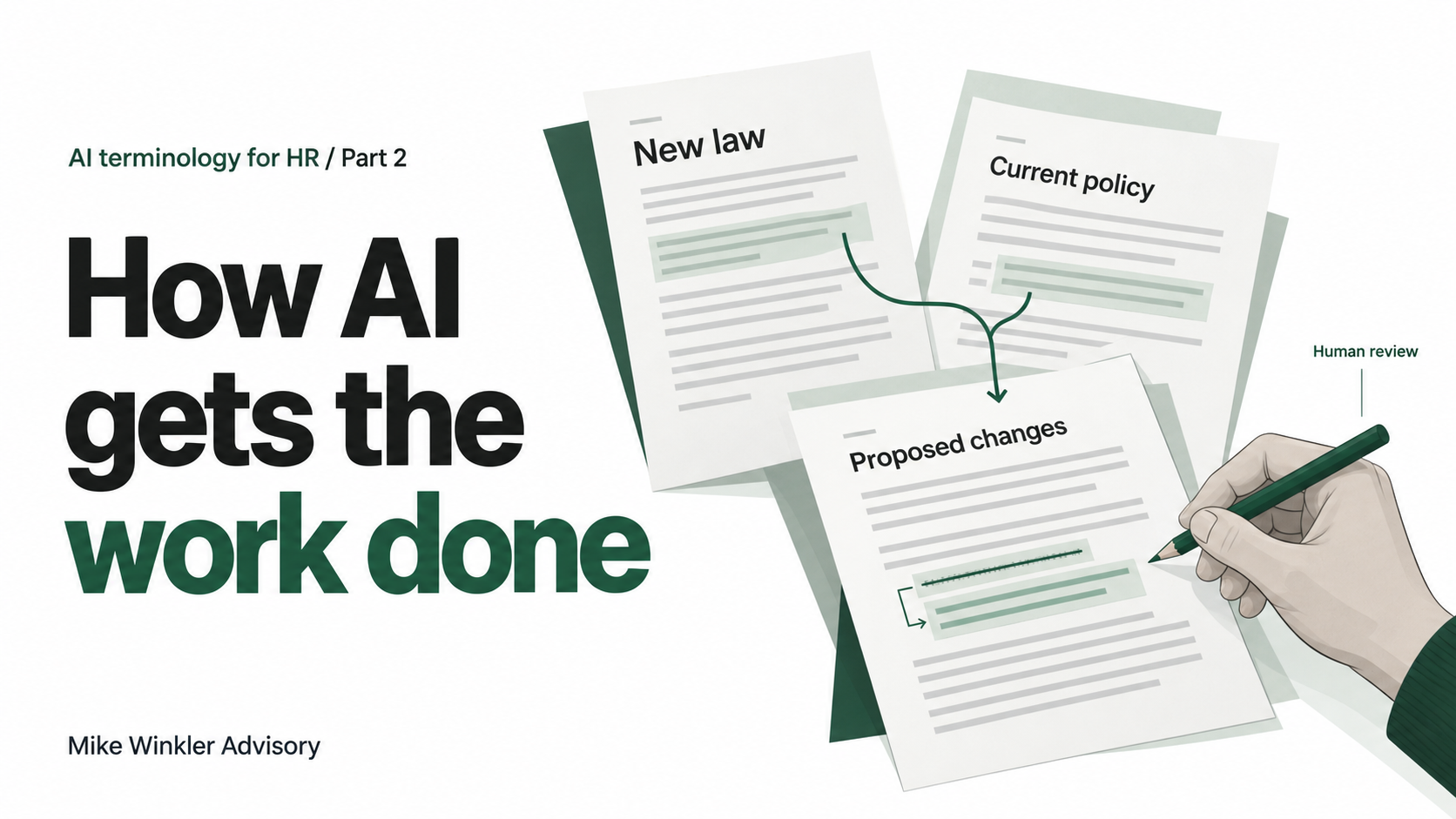
AI terminology expands every day, with new words that seem to come out of nowhere. In Part 1, I covered tokens, models, and what goes into the cost of an AI request. Now we can look at what you can actually ask the system to do.
You could upload a policy and ask for a draft explaining it to a manager. You can do more, though.
Imagine you want your AI to compare a recently passed law with an existing policy, highlight what needs to change, and bring the findings to you and Legal for approval. You also want it to stop and be honest if it doesn’t know what to do next.
This is an illustrative example from my HR Mission Control work. We’ll use it to connect tools, APIs, MCP, scheduled tasks, workflows, agents, and harnesses.
Along the way, you’ll learn what to ask about an AI product: which documents it can read, what it can change, and where your approval is required.
Let’s start with how it gets the policy.
APIs
The AI uses tools (software functions it can call) to perform specific actions, such as finding and reading the policy. If the policy lives in another application, the reading tool needs a way to request it.
An API, or application programming interface, lets one application request information or actions from another.
In our example, the reading tool sends a request through the document application’s API: “Get this policy.” The application checks permission and sends back the text.
MCP
Our example needs information from two places: a source for the law and the application holding the policy. Each may have its own API and different instructions for requesting information.
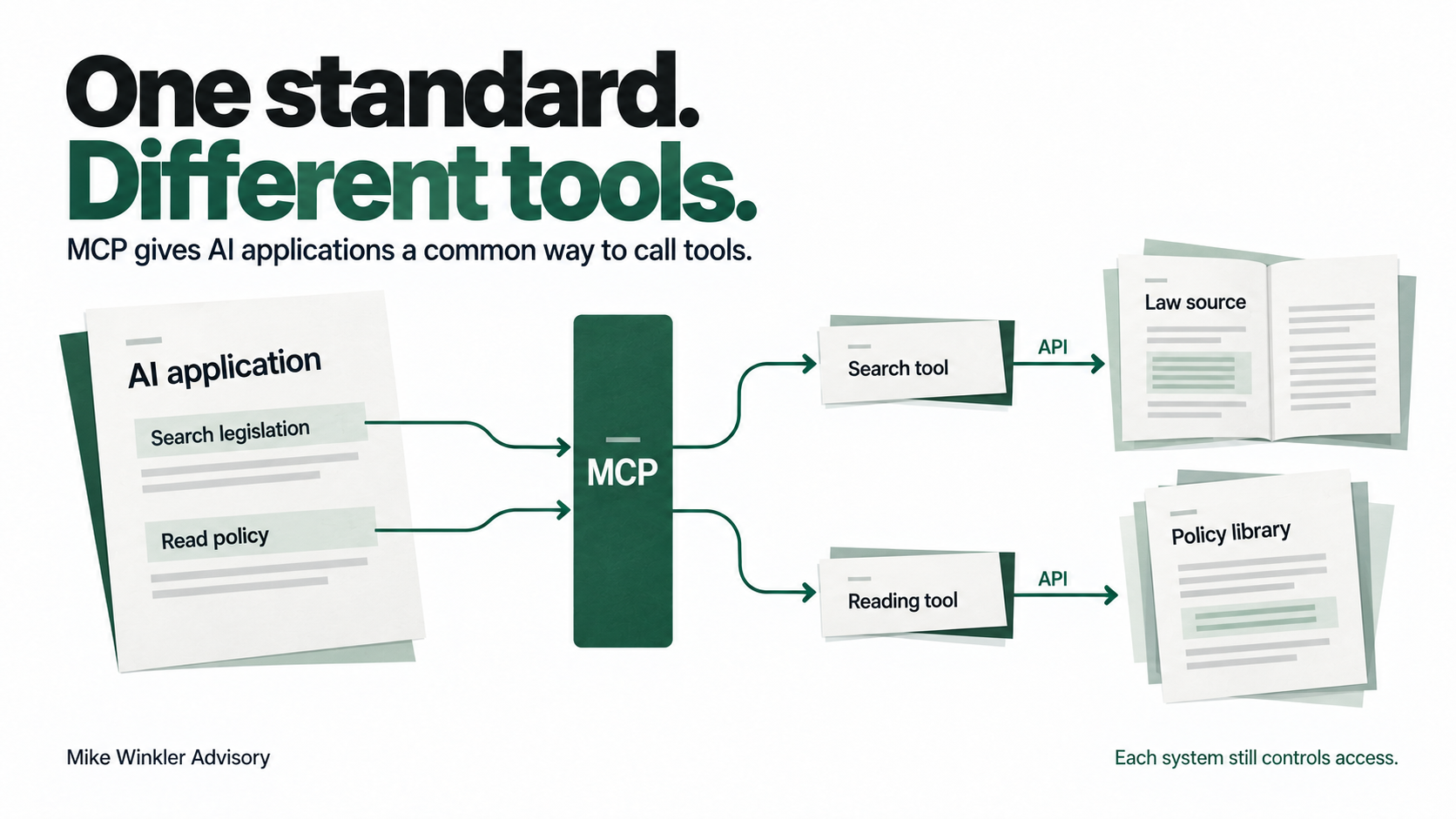
MCP, or Model Context Protocol, gives AI applications a common way to discover and use tools across these systems.
Think of ordering through DoorDash: different restaurants have different menus and kitchens, but you browse and order through the same interface.
With MCP connections set up, the AI application could discover a “search legislation” tool and a “read policy” tool, then request each through the same standard. Behind the scenes, those tools could use different APIs.
MCP standardizes how the AI application calls the tools; each system still controls what it allows. Without MCP, developers may need to build a separate connection for every single AI application to use those same tools.
Sources for this section1
Scheduled tasks
A scheduled task starts work at a set time. In our example, it could start a check every Monday morning for new laws that may affect the policy.
Workflows
A workflow defines the steps and rules for doing the work. Ours could retrieve the law and policy, compare them, prepare proposed changes, and pause for your approval. It can include branches, such as stopping when a document is missing.
Sources for this section1
Agents
This is the big term, and one that is often misused and overused. An AI agent can choose actions toward a goal, use tools, and adjust its next move based on the results. You give it room to decide rather than telling it every step.
An agent can also work outside a predefined workflow, but here’s how it connects to scheduled tasks and workflows.
A scheduled task can start a workflow at a specific time. The workflow defines the steps and rules, and an agent can handle parts that require deciding what to do with the information it finds.
You set limits on what it can change and when it must ask for approval. No Skynet ambitions here.
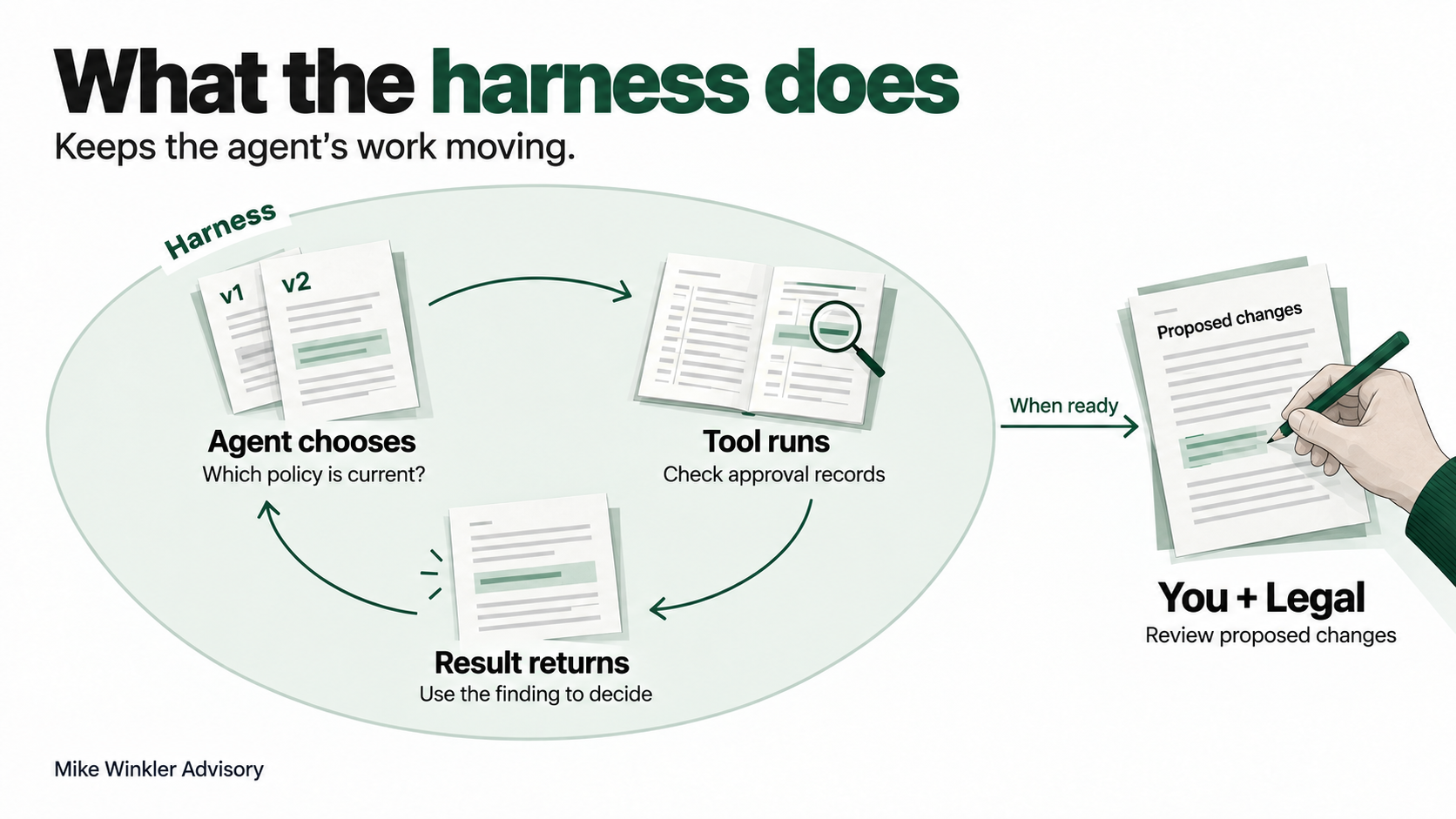
If the agent finds two versions of the policy, for example, it might search for approval records to establish which is current. What it finds helps it decide whether to continue or ask you for help.
That flexibility does not give it authority to approve a policy change.
Sources for this section1
Harnesses
In our HR Mission Control example, something has to connect the agent’s decisions to the tools that do the work. When the agent requests the policy, software runs the reading tool and gives the text back to the agent. When it asks to check an approval record, the software handles that request too.
That software is called a harness. It keeps the back-and-forth going as the agent investigates. The workflow describes the review process; the harness helps run the agent doing part of that work.
So the harness would be part of the software behind HRMC, not another step after the review. It can also help enforce boundaries, such as pausing for you and Legal before allowing proposed changes to be published.
Those controls have to be built and checked; the word “harness” alone promises nothing about safety.
Sources for this section1
Putting it together
In summary, tools perform actions, APIs let software communicate, and MCP gives AI applications a common way to discover and use those tools.
A scheduled task can start a workflow, an agent can decide how to handle parts of the work, and the harness runs its tool requests and returns the results so it can continue.
If you’re still a little confused, that’s okay. These terms overlap, and seeing them in use can help more than reading another definition.
I offer one-on-one AI advisory and teaching sessions for HR professionals. If you’d like to work through how this applies to your own work, send me a message or book a session.